
Emergency Satellite Texting
Posted: February 10, 2025 Filed under: Uncategorized | Tags: communications, emergency Leave a commentThis was originally posted on the Hills Angels, yes “HILLS” Angels, Facebook page. They are a Reno, Nevada 4×4 club, with a pretty cool name. Anyway, a thank you to Diana for posting this information.
The newer iPhones allow you to use a satellite to send an emergency text even when out of cell tower range.
The link below is to a short video about how to use this feature. You’ll probably need to unmute it.
https://www.facebook.com/reel/1317548896154537
Here is the written version of the video.
Emergency SOS via Satellite is a feature available on iPhone 14, 15, and 16 models. If you’re in an area with no cellular or Wi-Fi coverage, your iPhone will automatically try to connect you via satellite. To use this feature:
- Swipe down from the top right corner of your iPhone to open Control Center, then tap the Cellular button and choose Emergency SOS via satellite.
- Alternatively, go to Settings > Satellite and choose Emergency SOS via satellite.
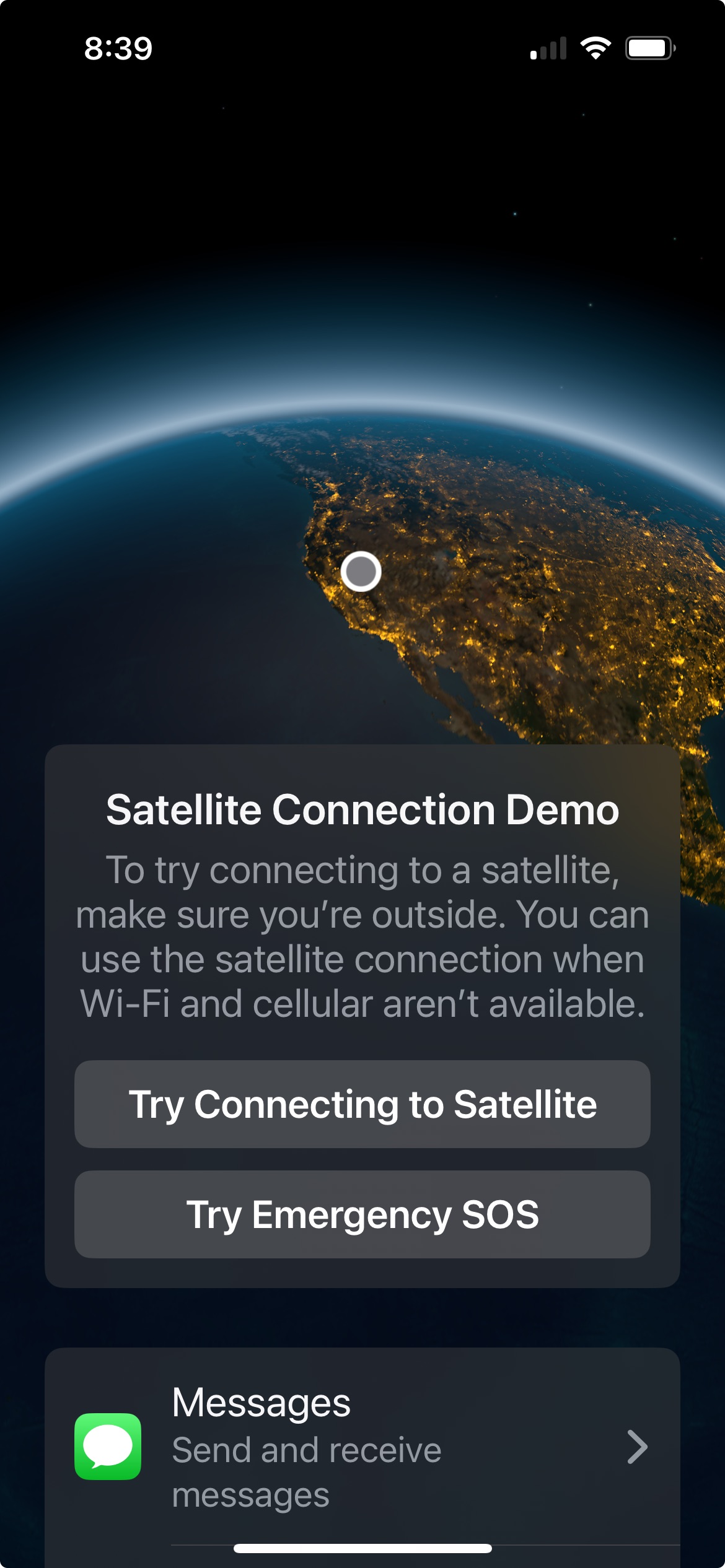
If you have cell service, these might not appear as active on your phone. There is a demo of this feature if you try it from your living room. Start the steps above and you will be given an option to try the demo.
Winter is finally arriving in the mountains. But I have yet to need my snowblower. At any moment, another Siera storm could blow in and make your day trip to the Rubicon a nightmare. Be prepared.
.
Rubicon Ronin

 The 'Other' Rubicon